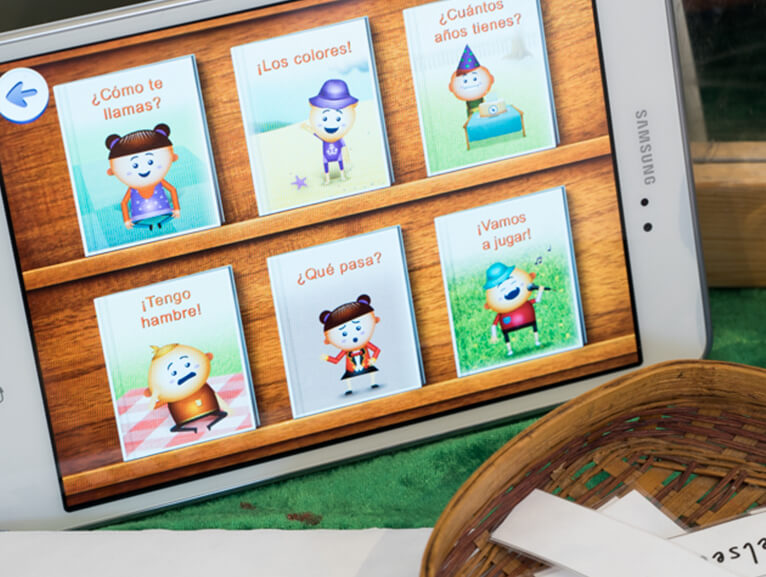
Before you begin to download the app/s, have your ELLA email address ready. You’ll find it in your ‘Welcome to the ELLA program’ email from Education Services Australia. Make sure you have access to that email address’s inbox so you can set your ELLA password. If you need to change your email address, please contact the ELLA Helpdesk. To set your ELLA password, go to the Educator Zone of the ELLA website, and select, 'Forgot username or password?'.
Check that you’re connected to WiFi and that you have a compatible tablet device. Follow the below instructions or watch the accompanying video for your iPad or Android tablet.