
Have a question or need some help?
Contact the ELLA helpdesk
[email protected] 1800 468 303 (9 am – 4 pm AEST, Mon–Fri)

‘Setting up the ELLA apps and the ELLA devices took about an hour. I took the photos ... downloaded the apps, and away we went … It’s quick and easy to set a child up.’
If you have a small number of children participating in ELLA, you may want to create one group only. If you have two or more preschool rooms, or separate groups that attend on set days, you may want to create more than one group.
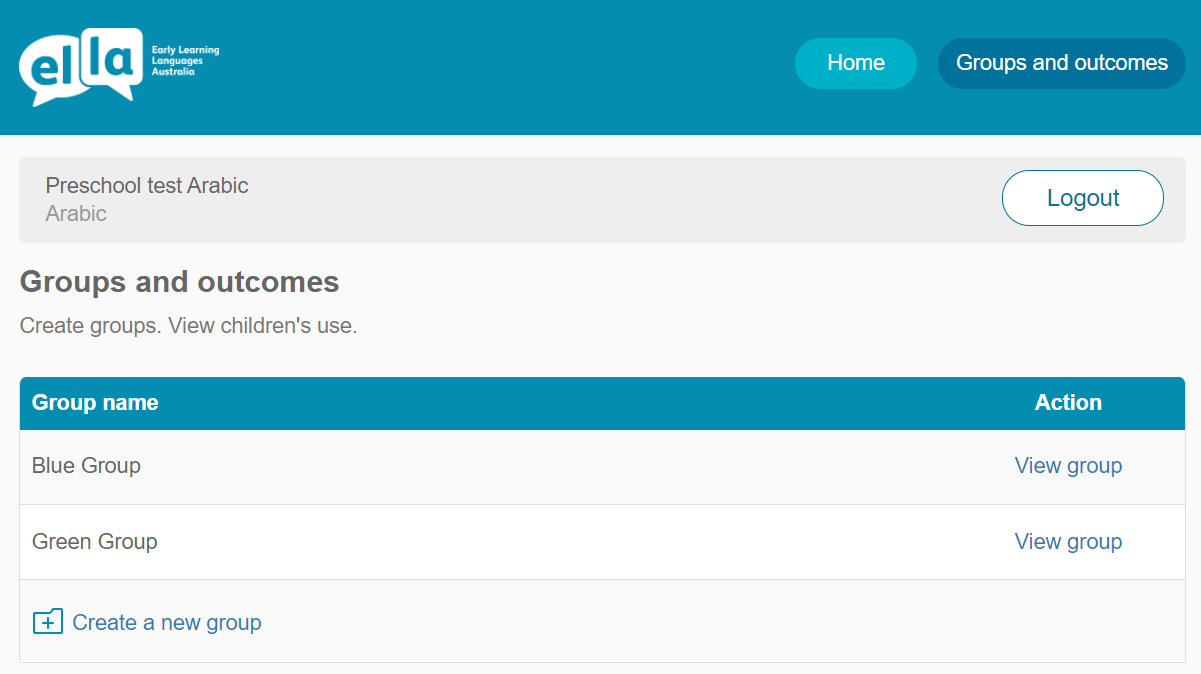
You can add a child to a group at any time. Children can only be added to one group.
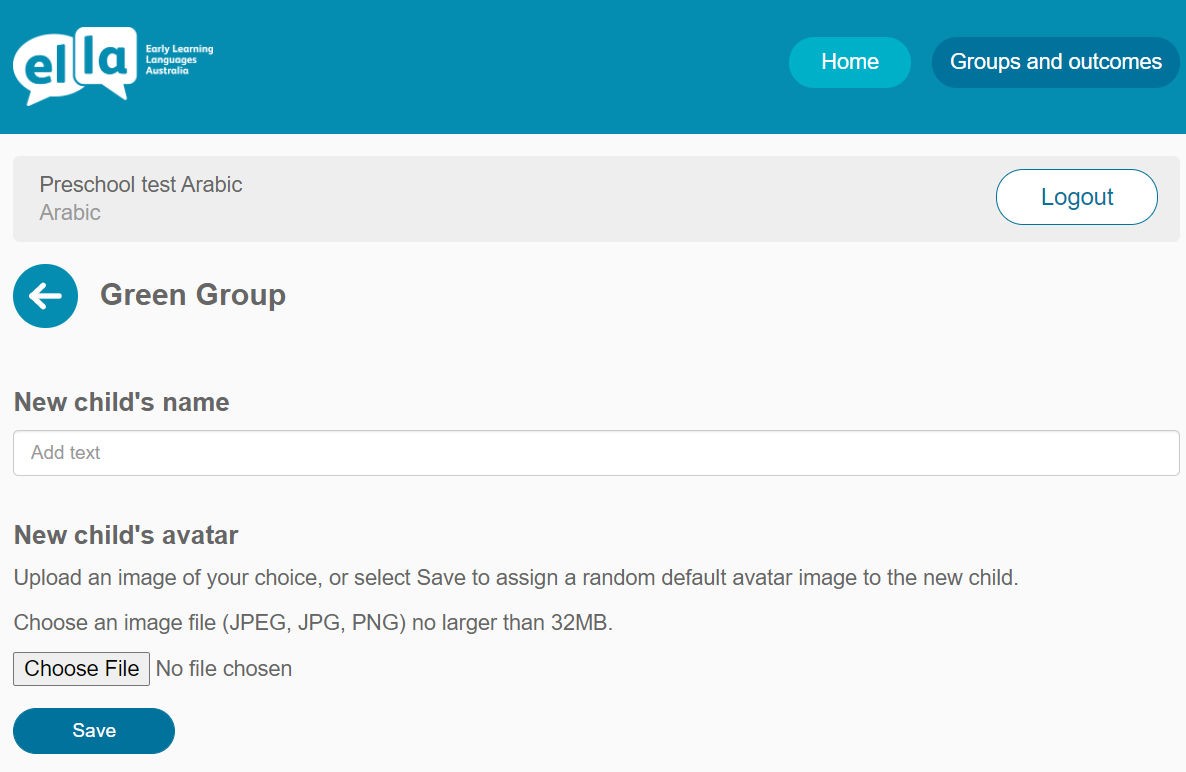
Option 1: Choose your own image
Select Choose file, upload an image of your own and then select Save to add the avatar to the group. You can add an image from a tablet device photo library, or from a computer.
Option 2: Assign a default avatar image
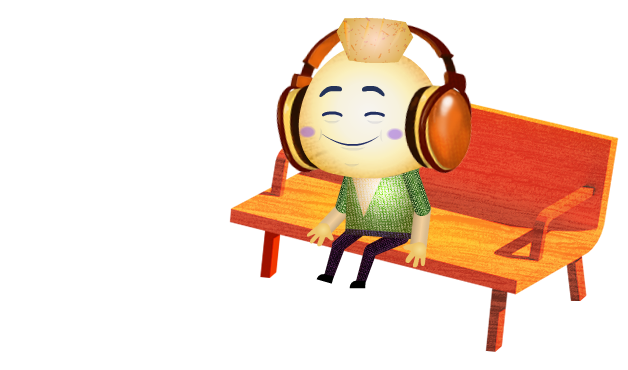
Select Save without uploading an image and a random default avatar image will be assigned to the new child. There are 50 default images preloaded to the Educator Zone.
NOTE: Consider your preschool privacy policy when creating avatars. Using images of objects rather than children's faces is highly recommended to ensure privacy.
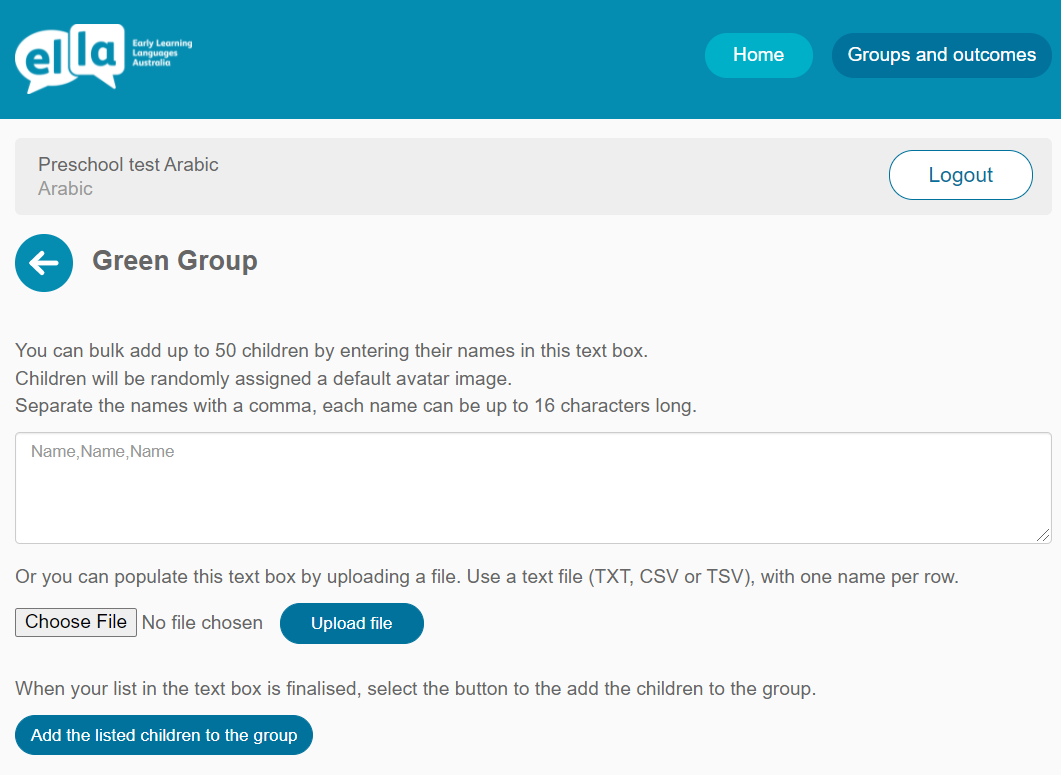
There are two ways to delete children from a group.
NOTE: Both methods will permanently delete children’s data. Only delete them if you are certain you will not require access to their data again.
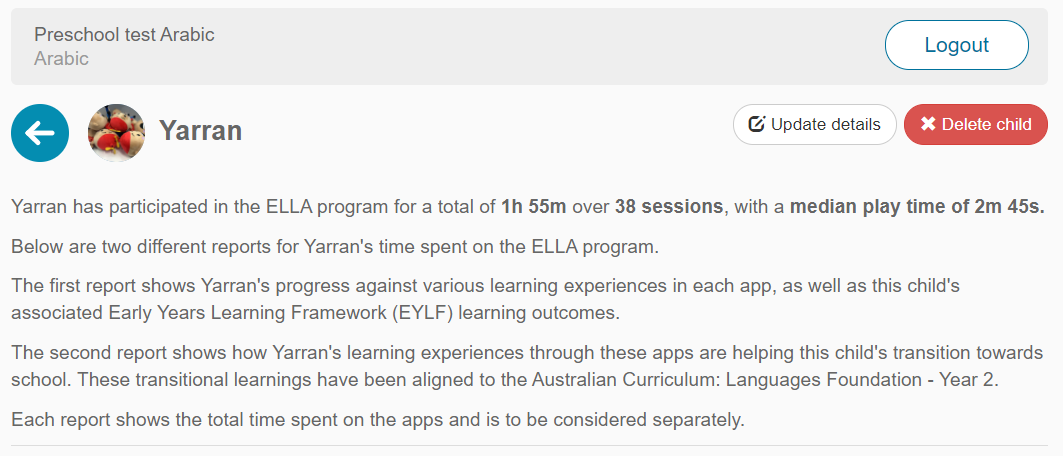
To delete multiple children and their avatars from a particular group:
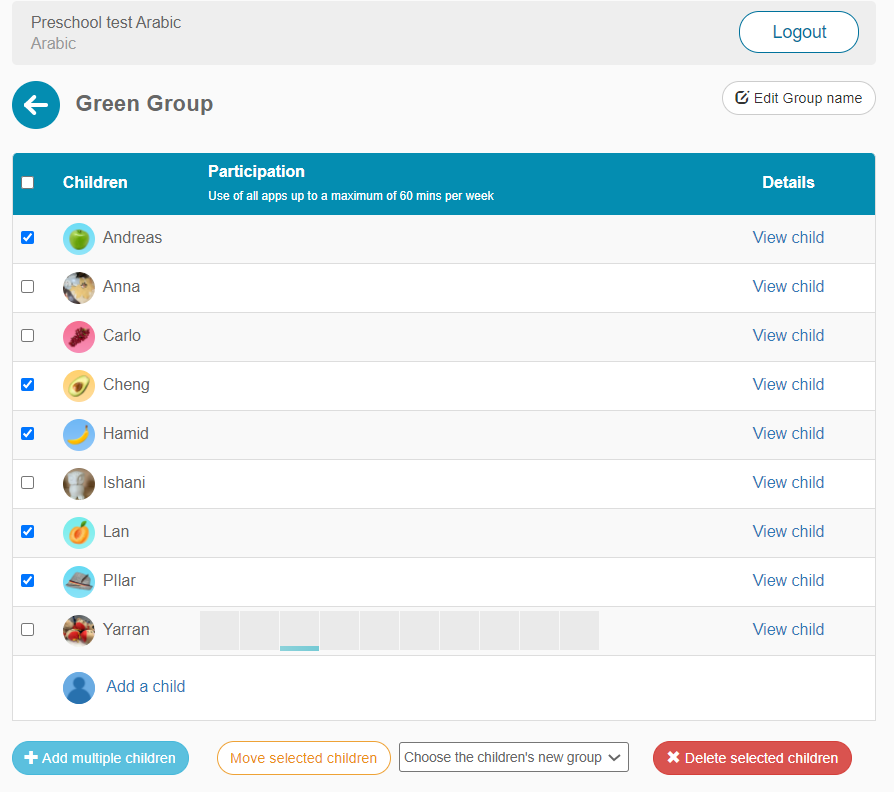
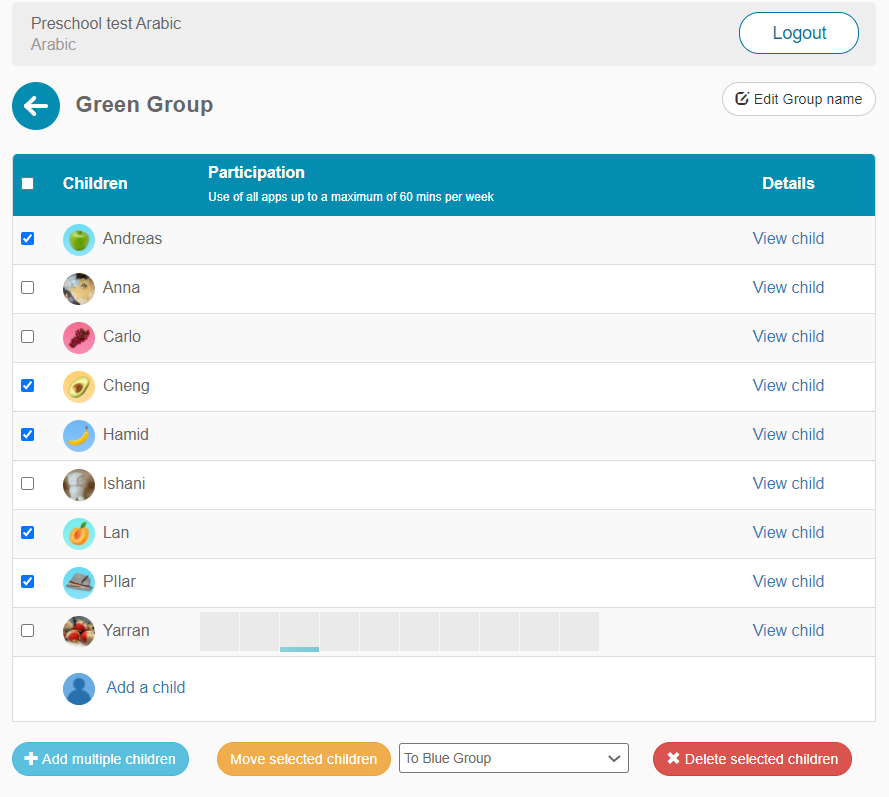
To move children and their avatars from a particular group:
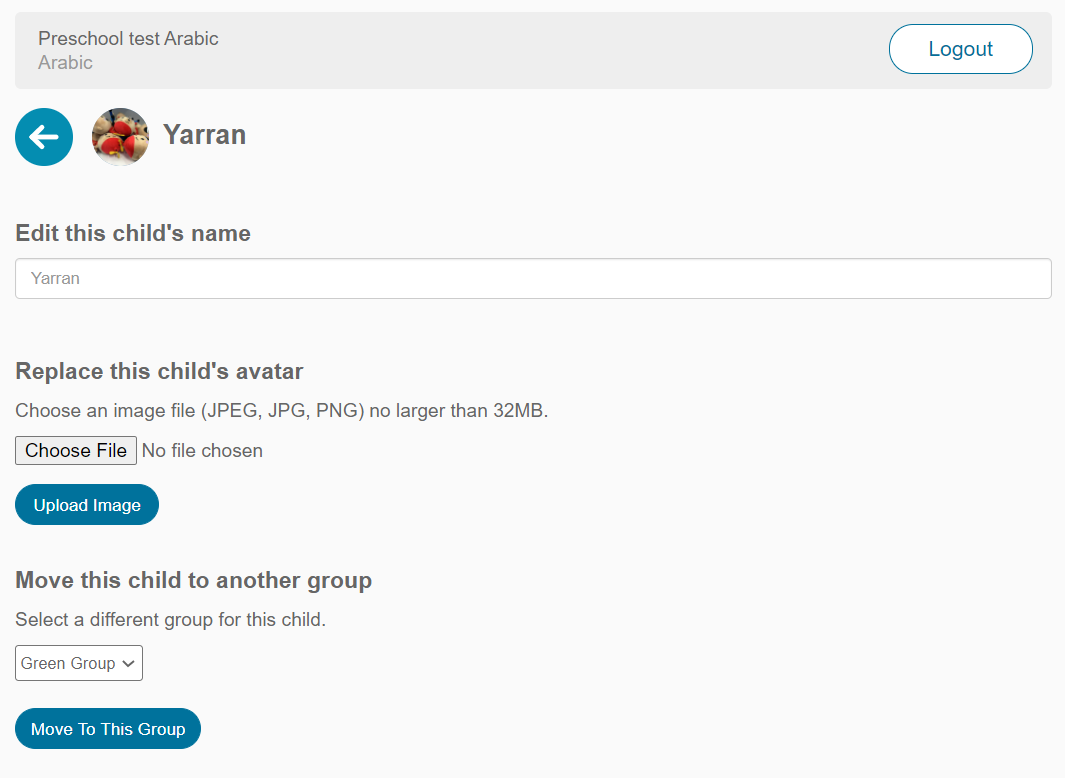
To make changes to a child’s name or their avatar or to move them to a different group:
Have a question or need some help?
Contact the ELLA helpdesk
[email protected] 1800 468 303 (9 am – 4 pm AEST, Mon–Fri)